PROJECT LINUX 2024
Hello everyone,
In this project, I will show how I created a presentation webpage using HTML and CSS, how I work with two Linux operating systems, namely Ubuntu and Kali-Linux, installed on different virtual machines, Hyper-V and VirtualBox, how I will connect through SSH with both password and key authentication between the systems, and copy the contents of a file from Kali to Ubuntu.
Step 1: Creating a website using HTML, CSS, PHP, and MySQL
1. Download XAMPP
2. Activate Apache2 and MySQL servers
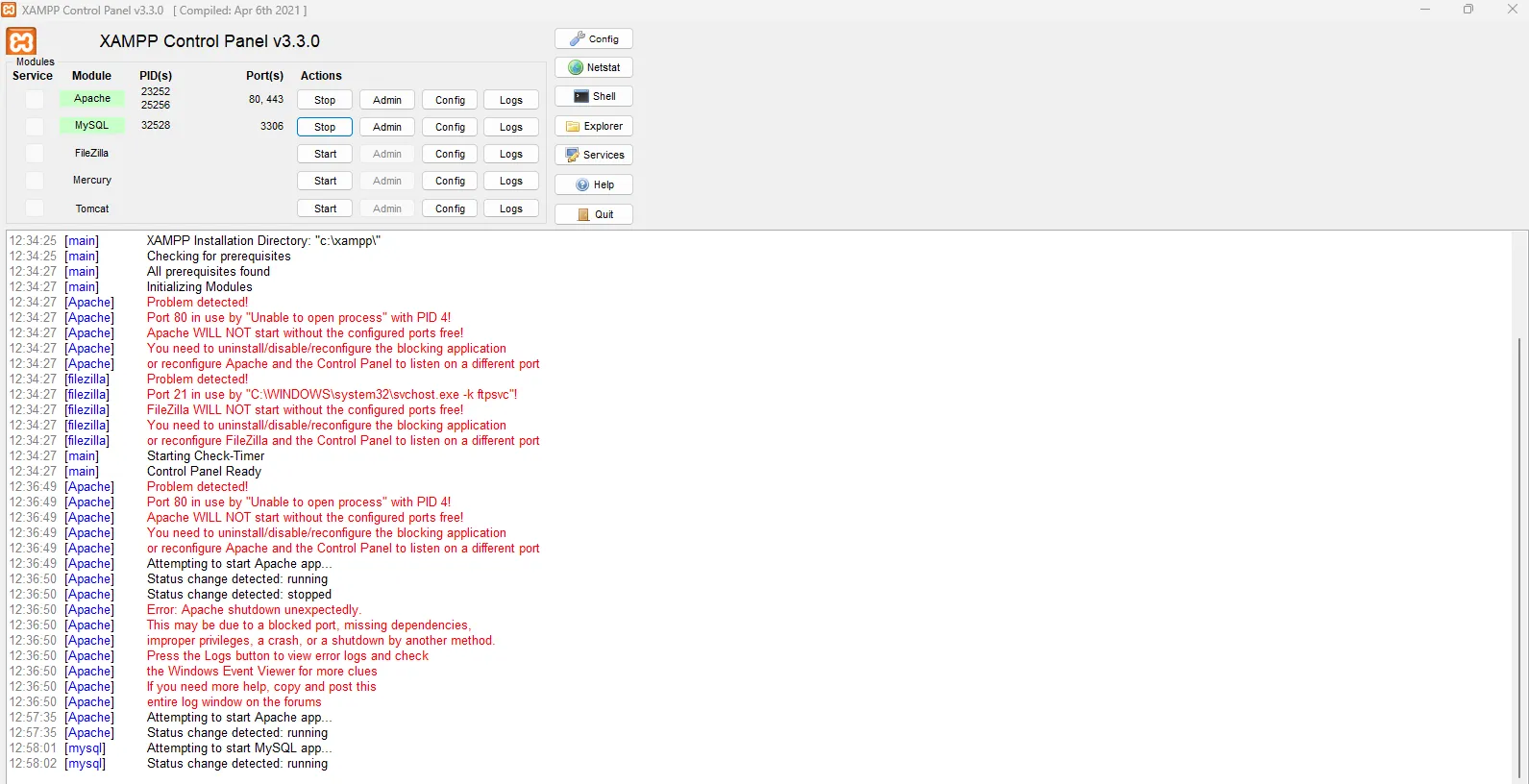
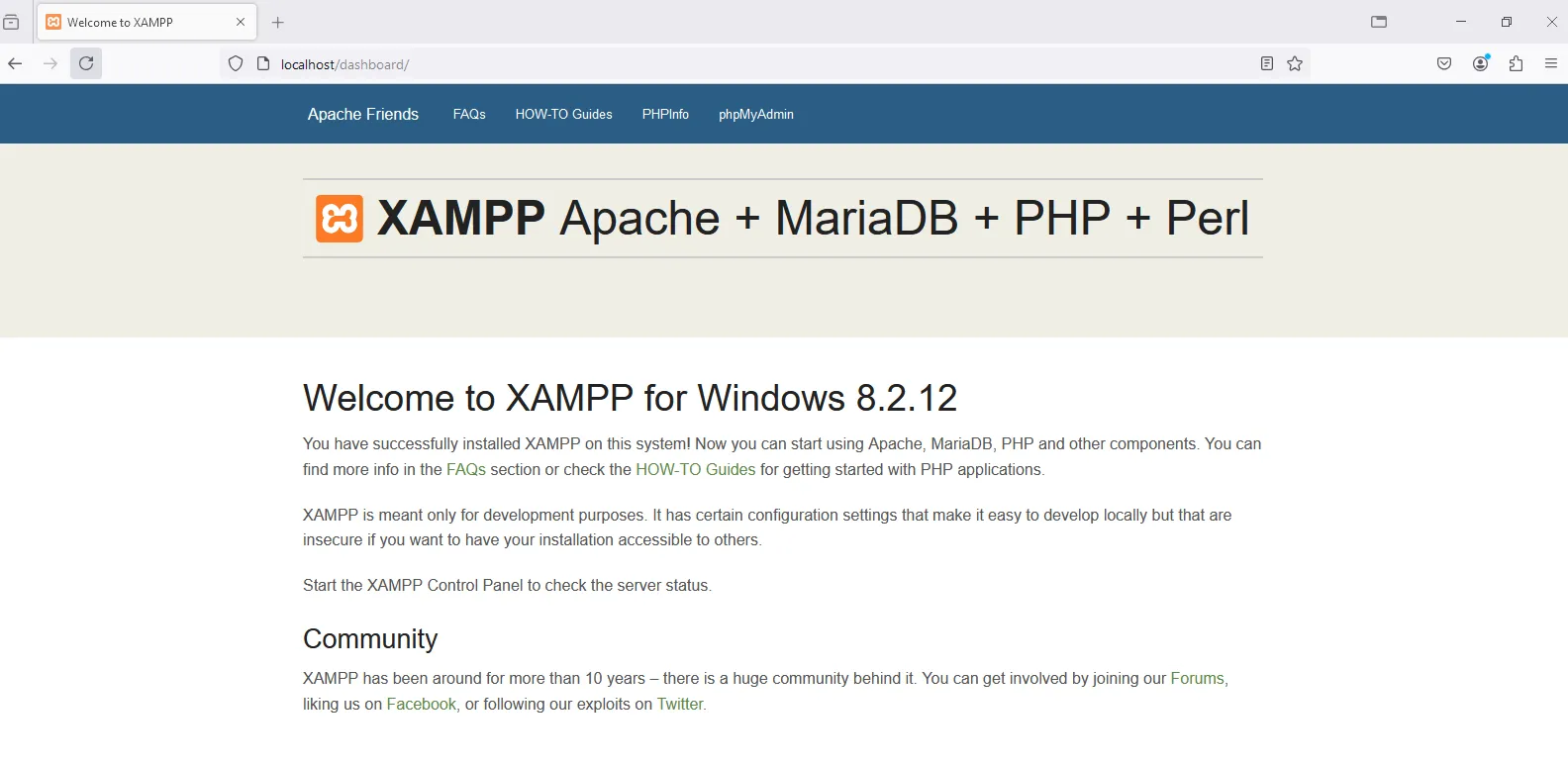
3. Check Apache2 server in localhost
4. Download VSC (Visual Studio Code), a well-known code editor that supports various interpreters like Python, Java, PHP, etc.
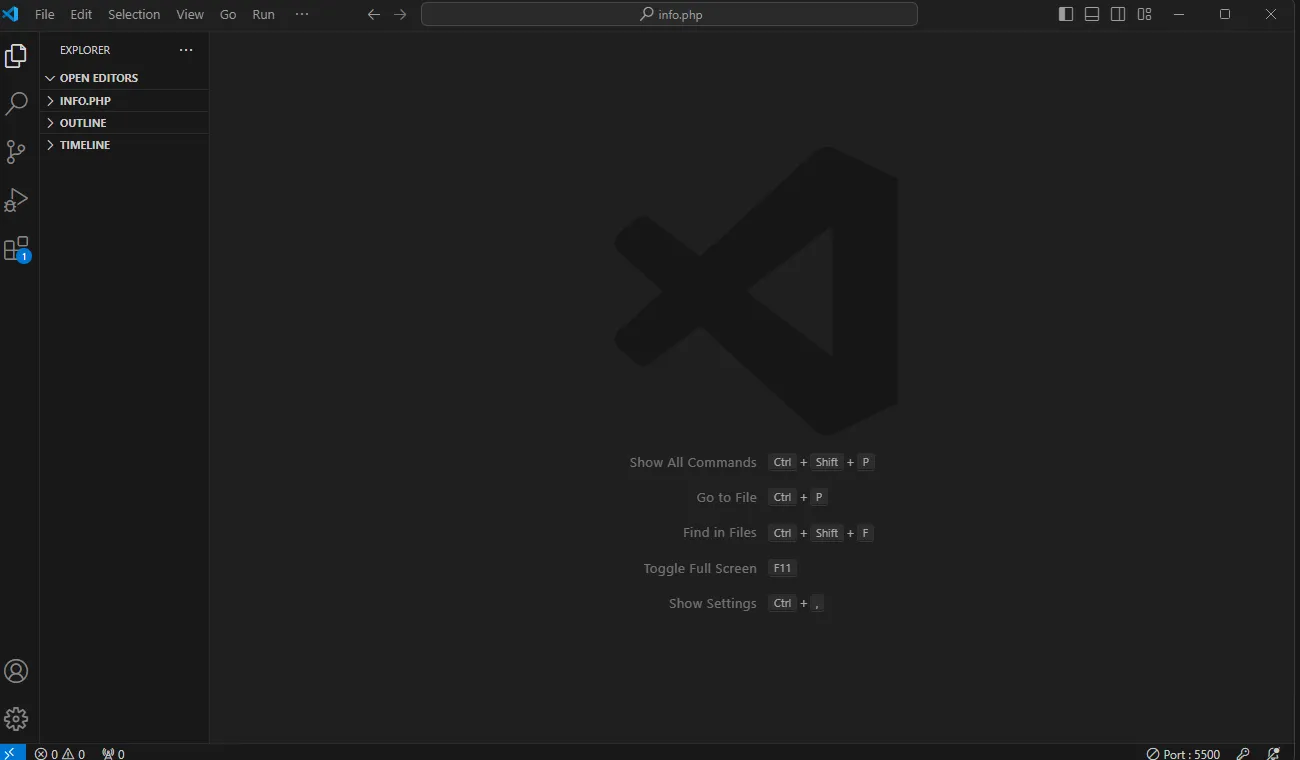
5. Download extensions in VSC to assist with coding in HTML and Python
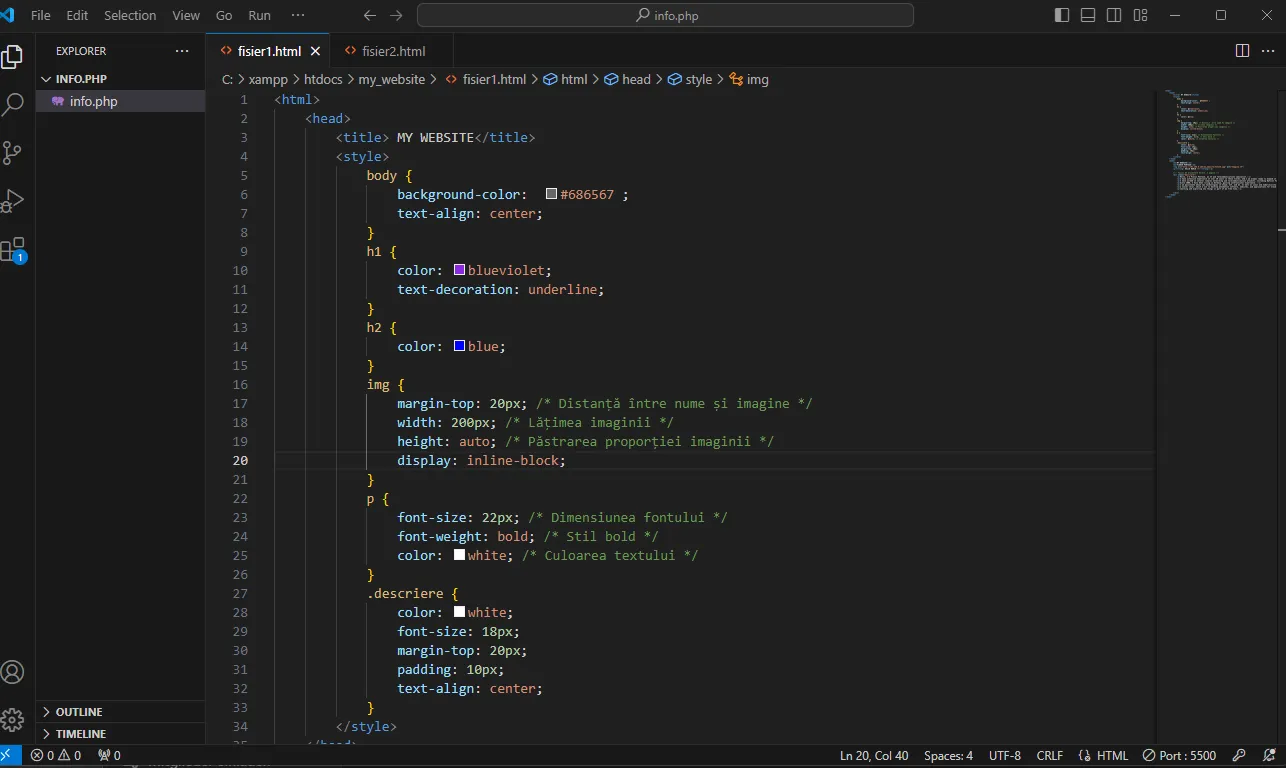
6. Start creating the website in HTML - page 1 (example only)
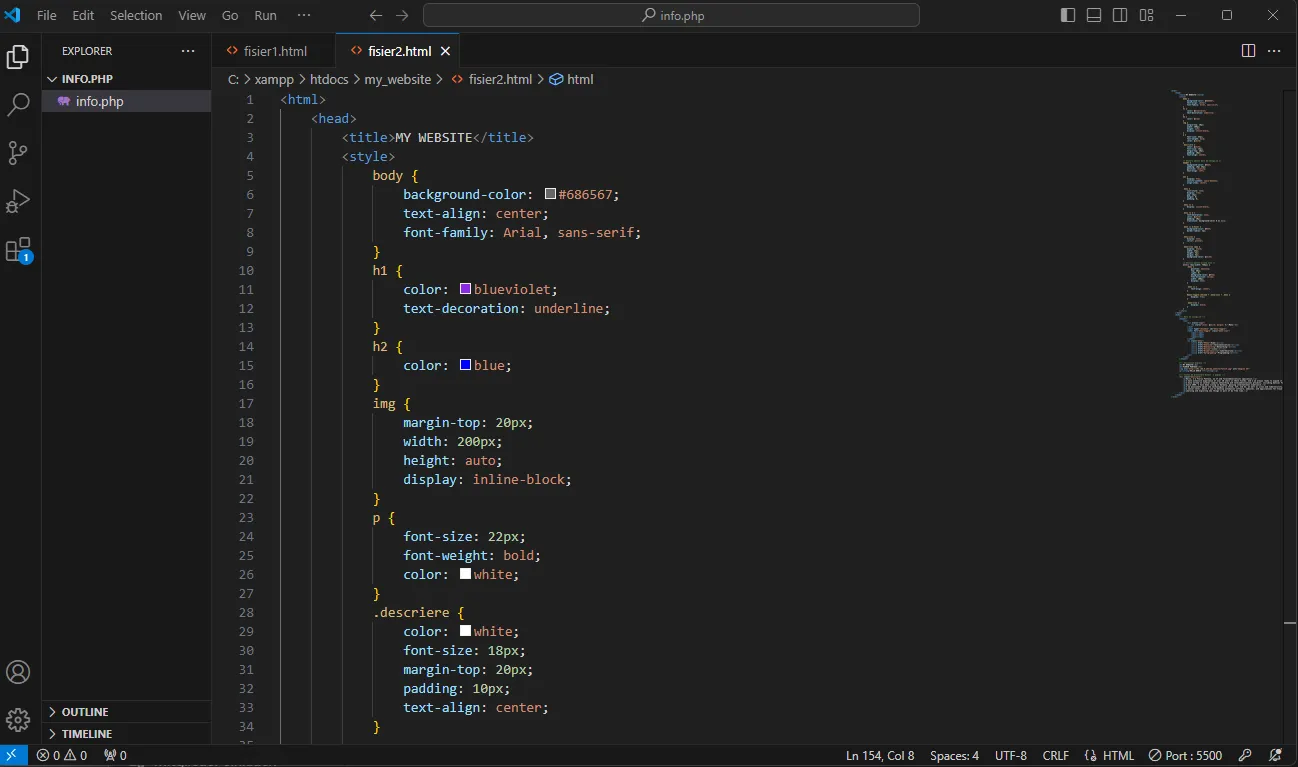
7. Create the website in HTML - page 2 (example only)
Step 2: Creating in VM1 - Ubuntu a new user named florinp, adding the new user to the sudo group; creating a folder named Project with a file called script_website, renaming the Project folder to Project_Linux
1. Install updates and then a new user - florinp
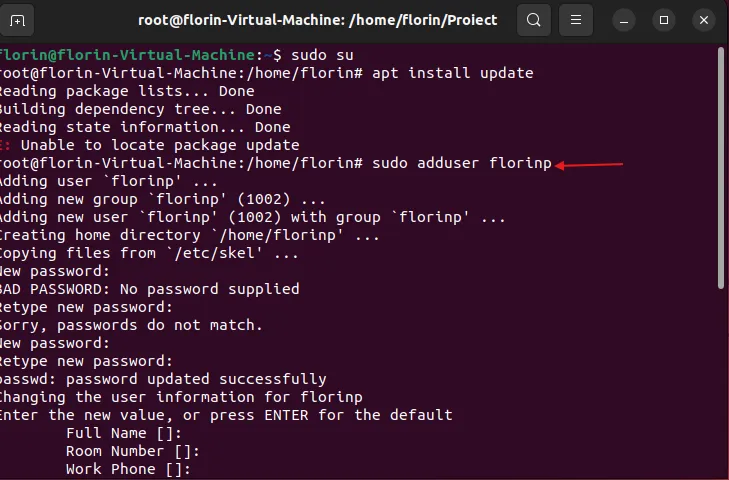
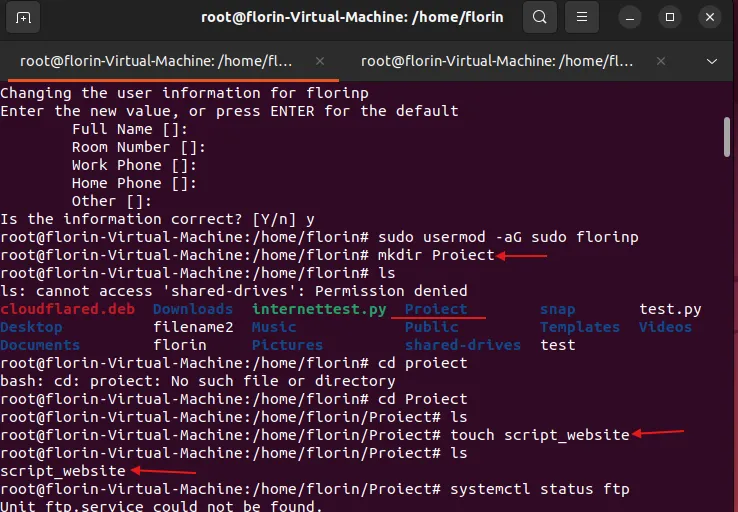
2. Add new user florinp to the sudo group, create a new folder Project and a file script_website in this folder
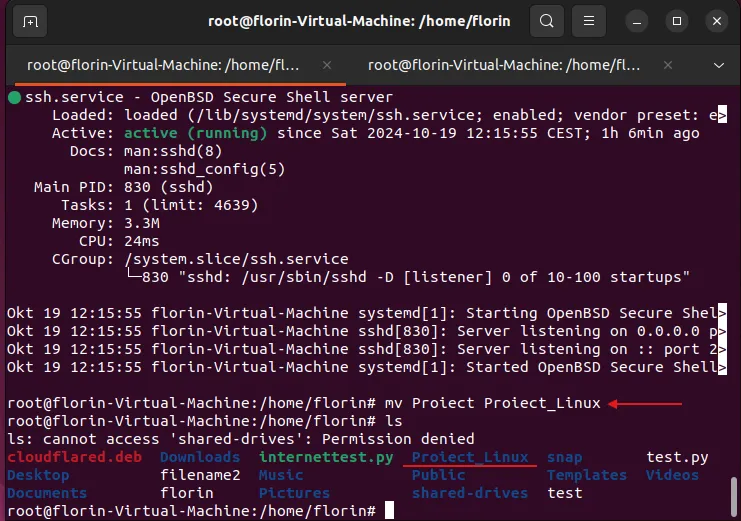
3. Rename folder from Project to Project_Linux
Step 3: Setting up an FTP and SSH server in VM1 - Ubuntu on Hyper-V
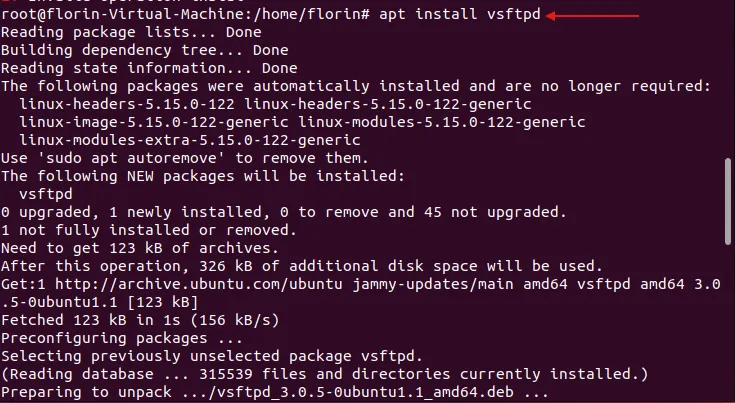
1. Install FTP server
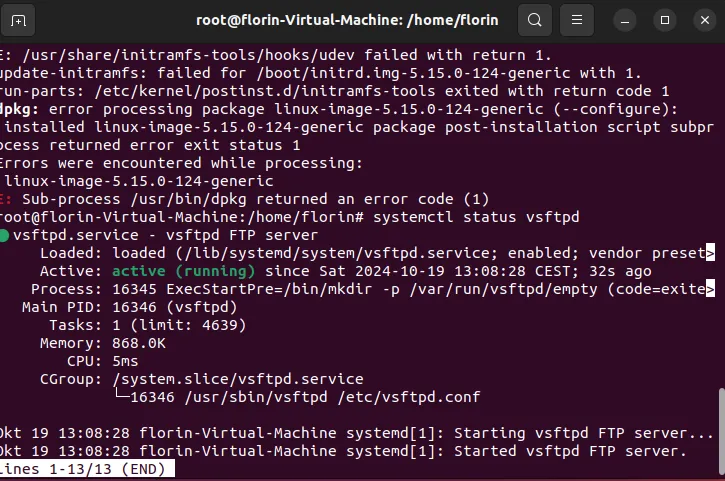
2. Check FTP server status
3. Install SSH server
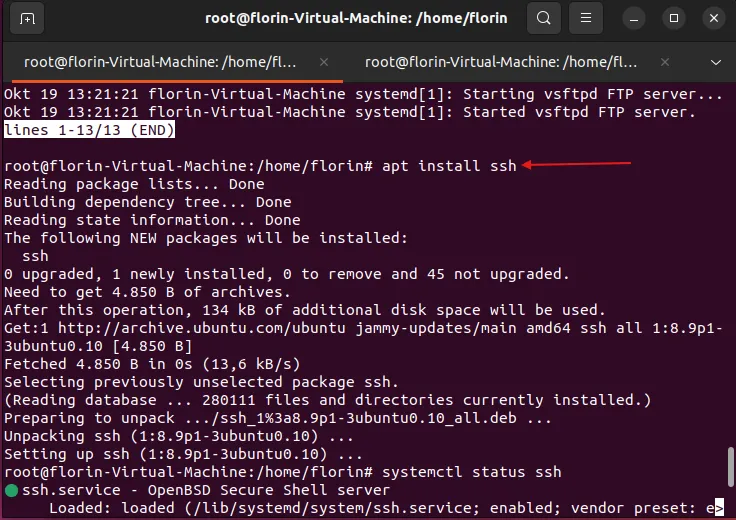
4. Check SSH server status
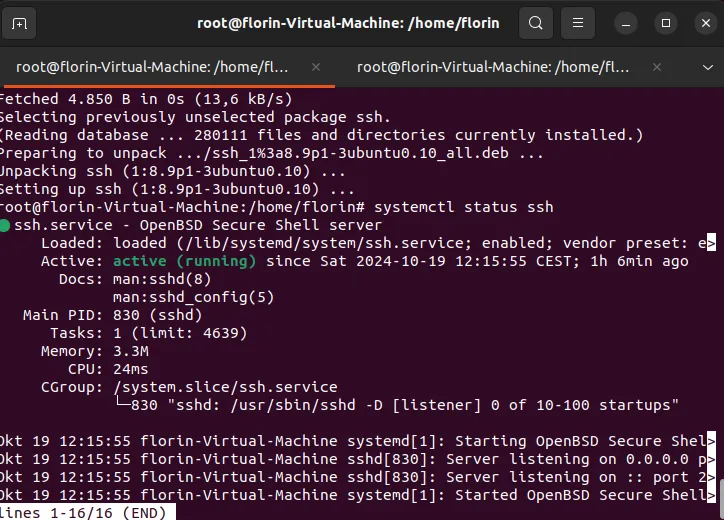
Step 4: Setting up an FTP and SSH server in VM2 - Kali-Linux on VirtualBox
1. Install FTP server - found pre-installed with version (3.0.3-13.1)
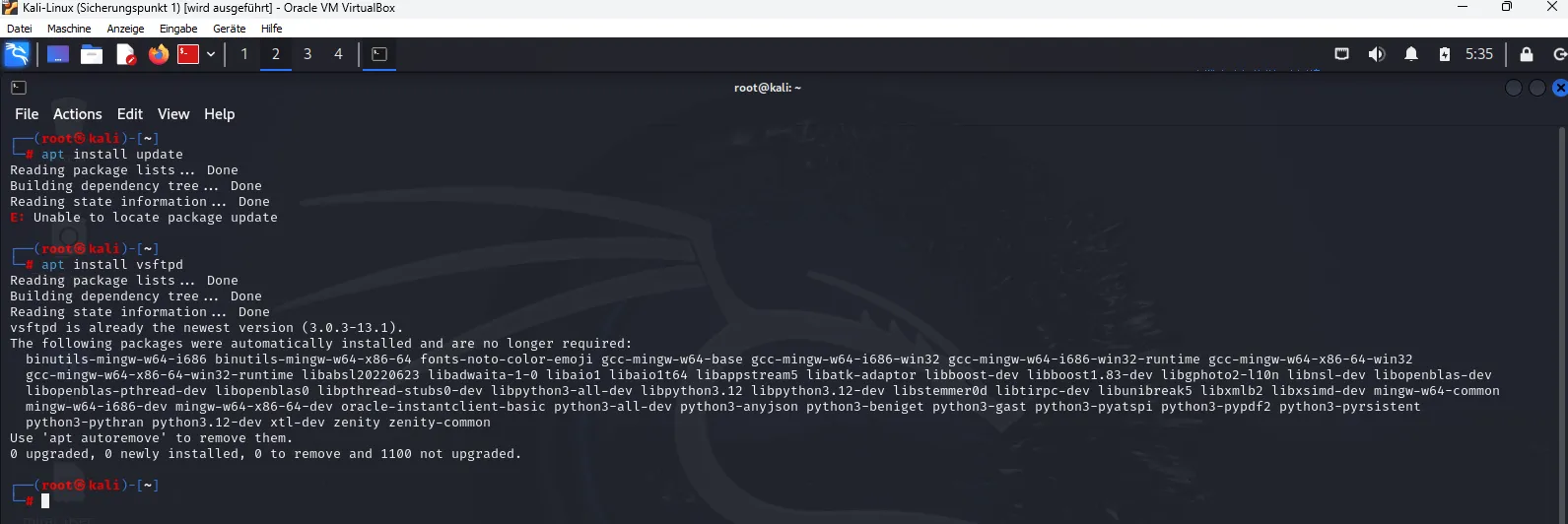
2. Check FTP server status - inactive

3. Activate FTP server with the command systemctl start vsftpd and check status
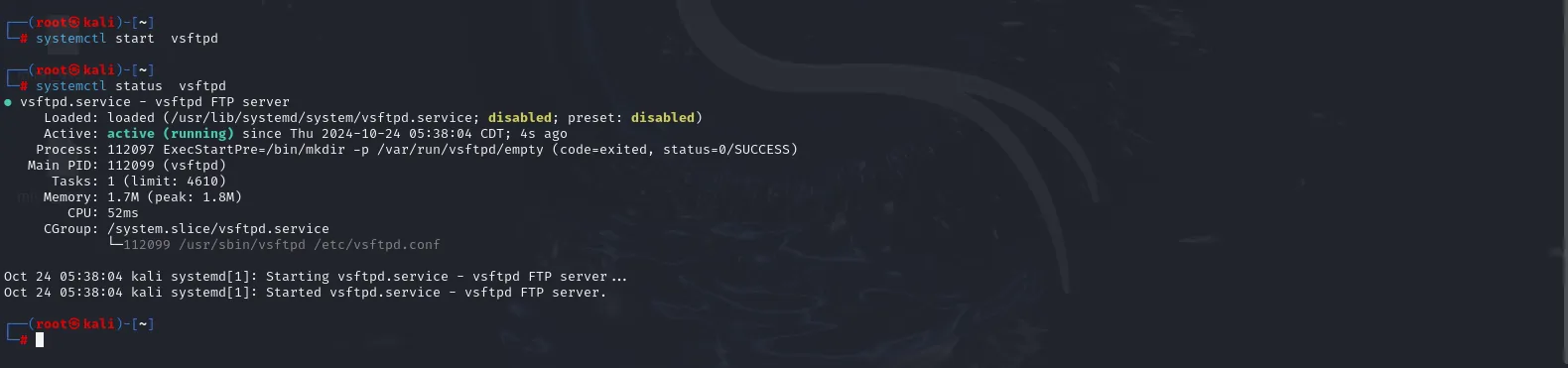
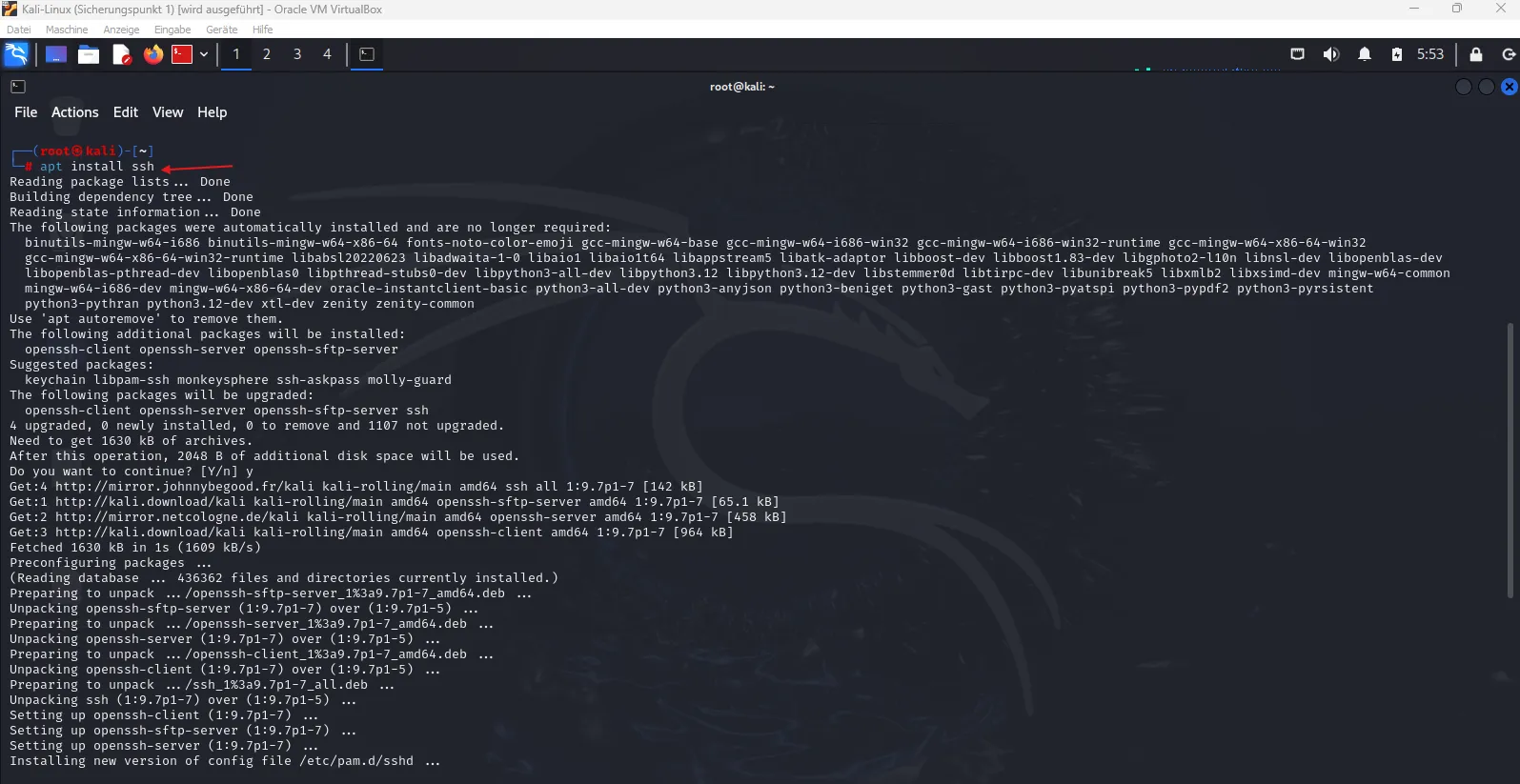
4. Install SSH server
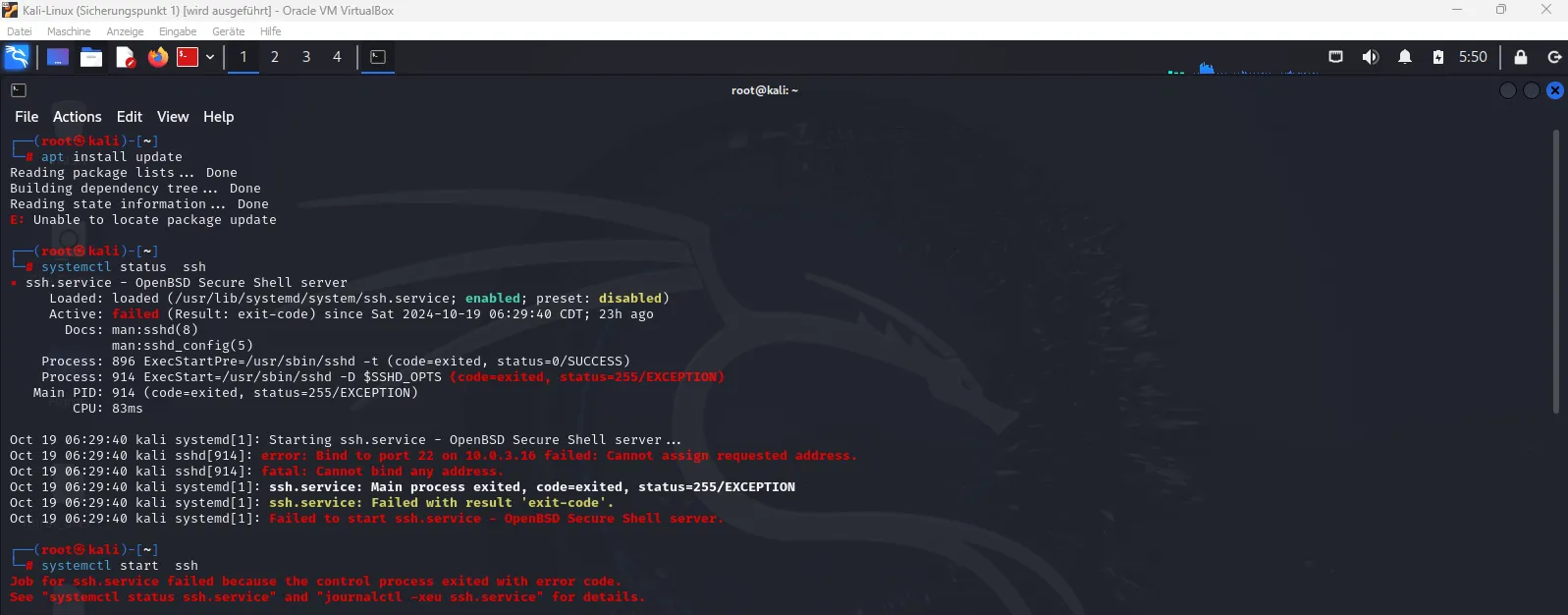
5. Check SSH server status - inactive
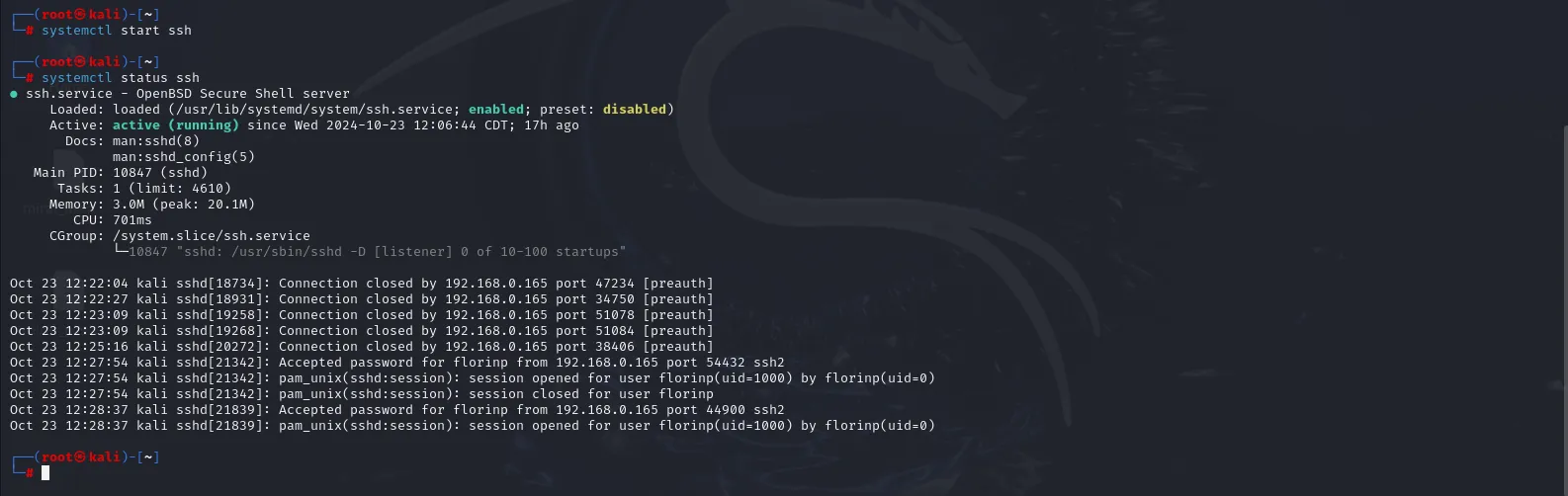
6. Activate and check SSH server status
Step 5: Connecting through SSH - Password and Key - from Ubuntu to Kali and pre-connection settings
1. Connect via SSH with Password from Ubuntu to Kali
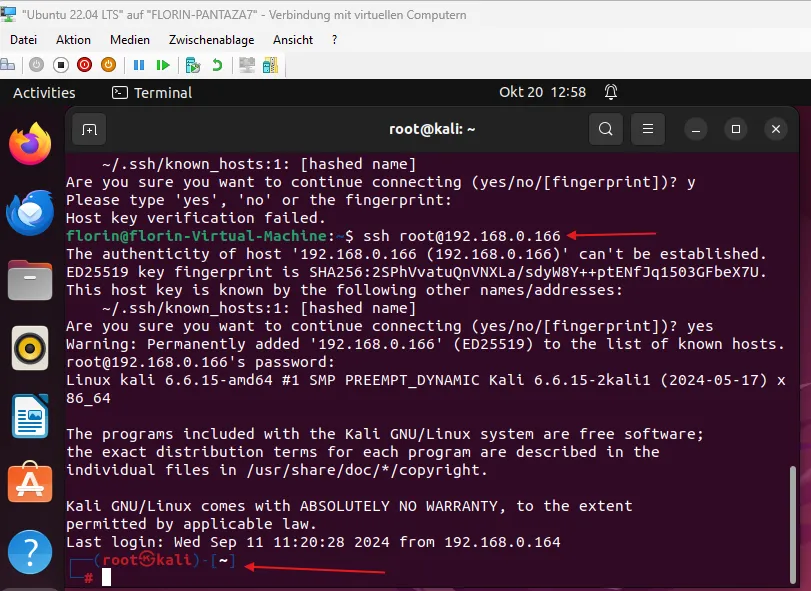
2. Connect via SSH with Key from Ubuntu to Kali
2.1. Generate Key in Ubuntu
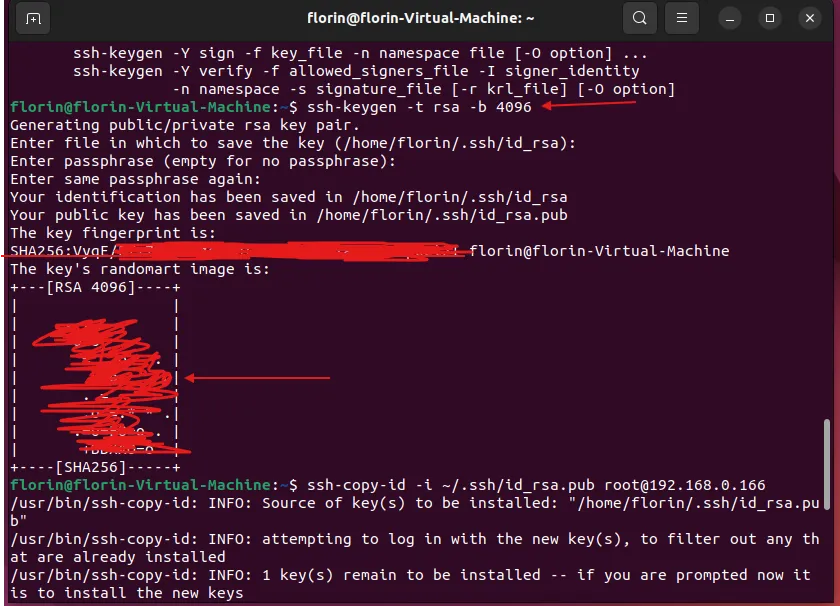
2.2. Find IP in Kali using ifconfig
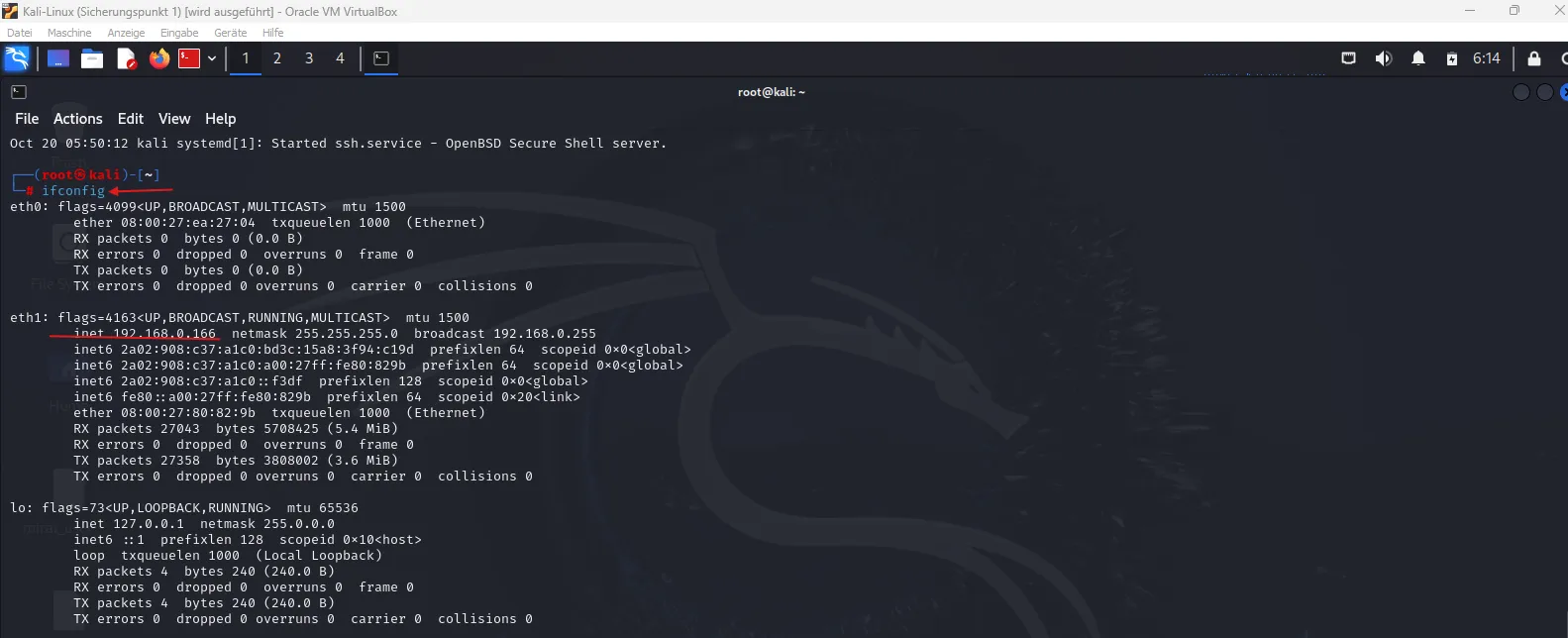
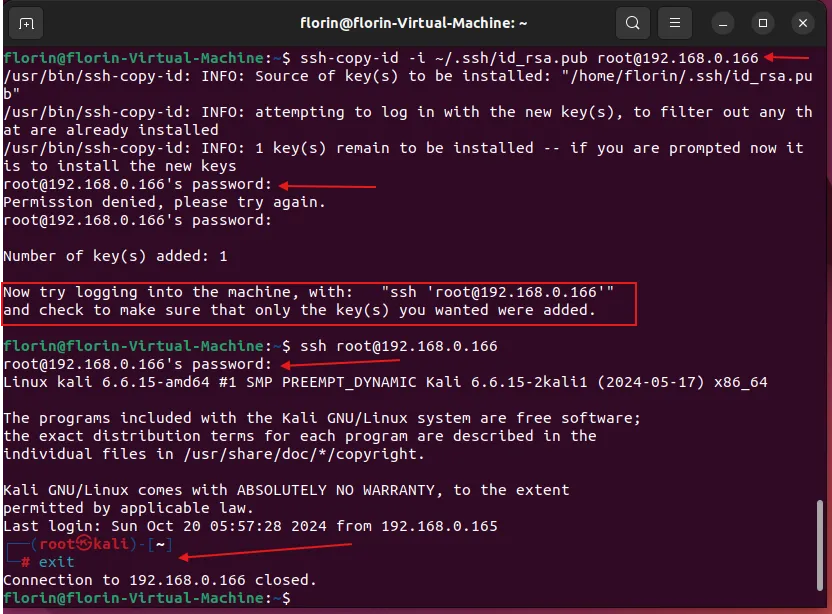
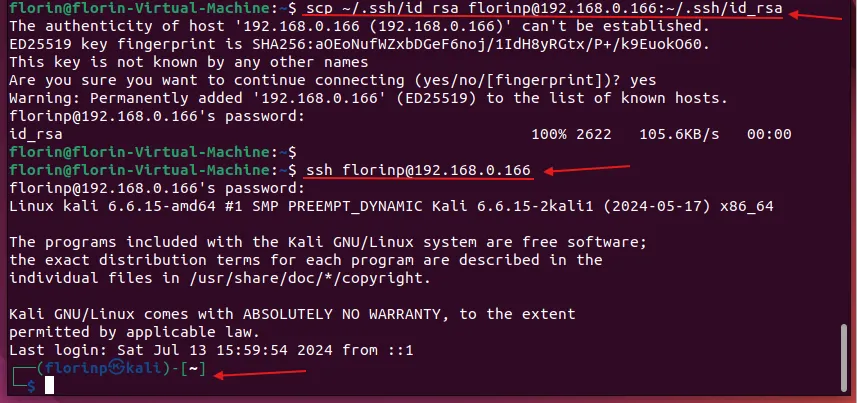
2.3. Copy Key from Ubuntu to Kali, but upon SSH connection, it still required a password because permissions in the sshd_config file in Kali need adjustments
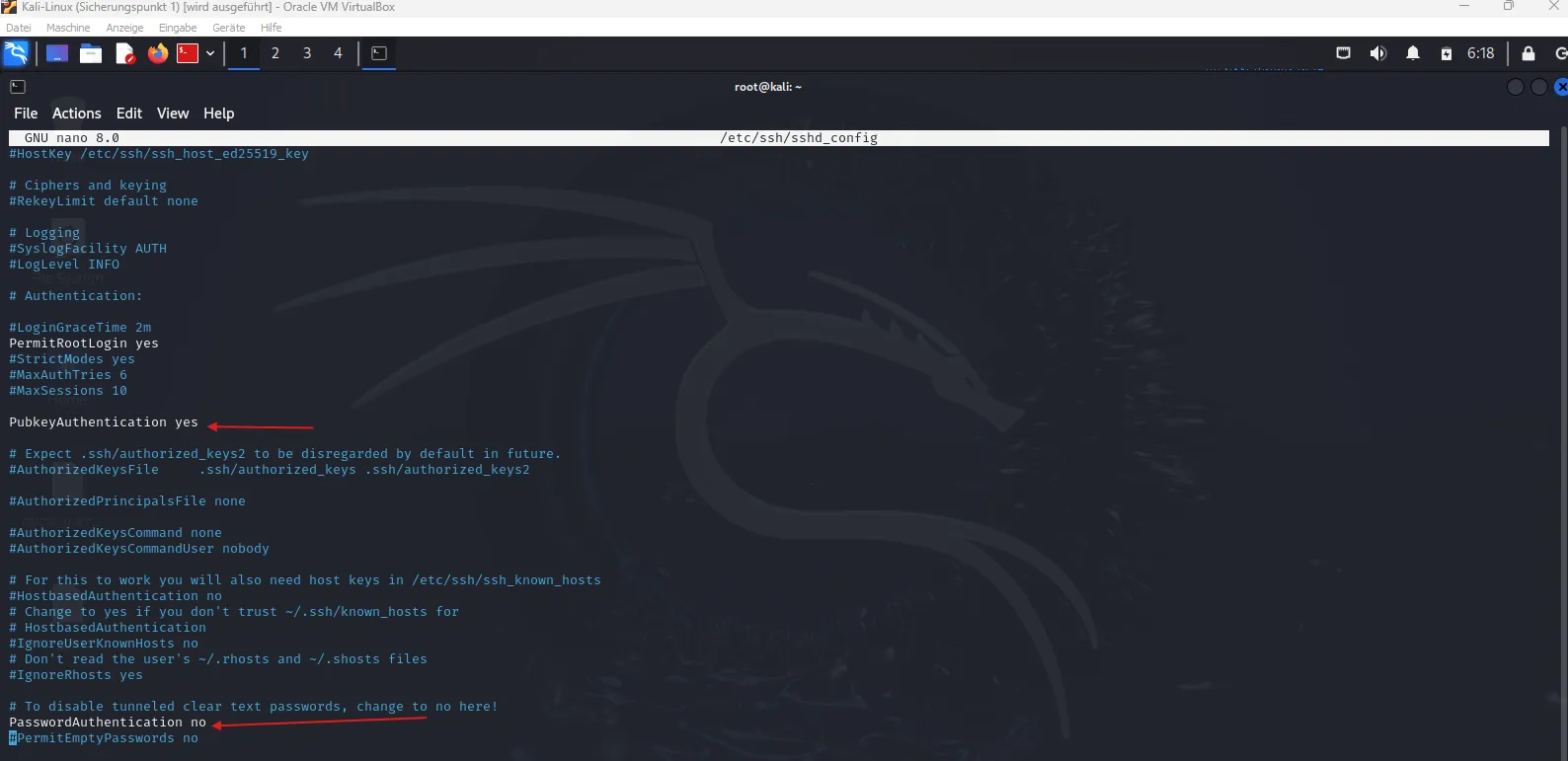
2.4. Modify authentication permissions in sshd_config file in Kali
2.5. Create a new folder /.ssh in Kali where the Key from Ubuntu can be copied and change permissions with chmod command

2.6. Copy Key from Ubuntu to Kali in the newly created folder and successfully connect via SSH with Key from Ubuntu to Kali-Linux
Step 6: Creating new files in both VMs, namely script_website in Kali-Linux and script_website1 in Ubuntu; Add content to the script_website file in Kali-Linux; Transfer content via FTP server from the script_website file in Kali-Linux to the script_website1 file in Ubuntu; Verify content transfer
1. Create a new file script_website in Kali-Linux

2. Check permissions of the new file and open it with the nano command

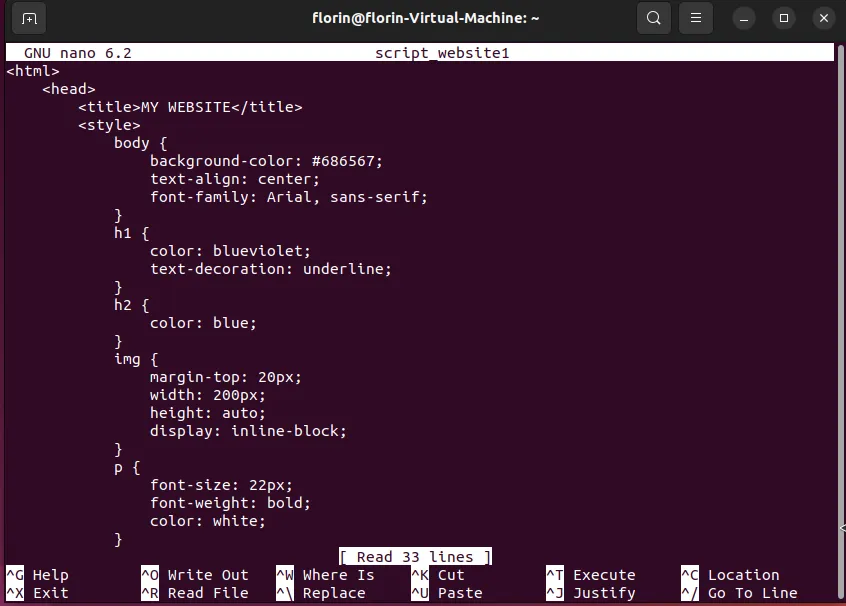
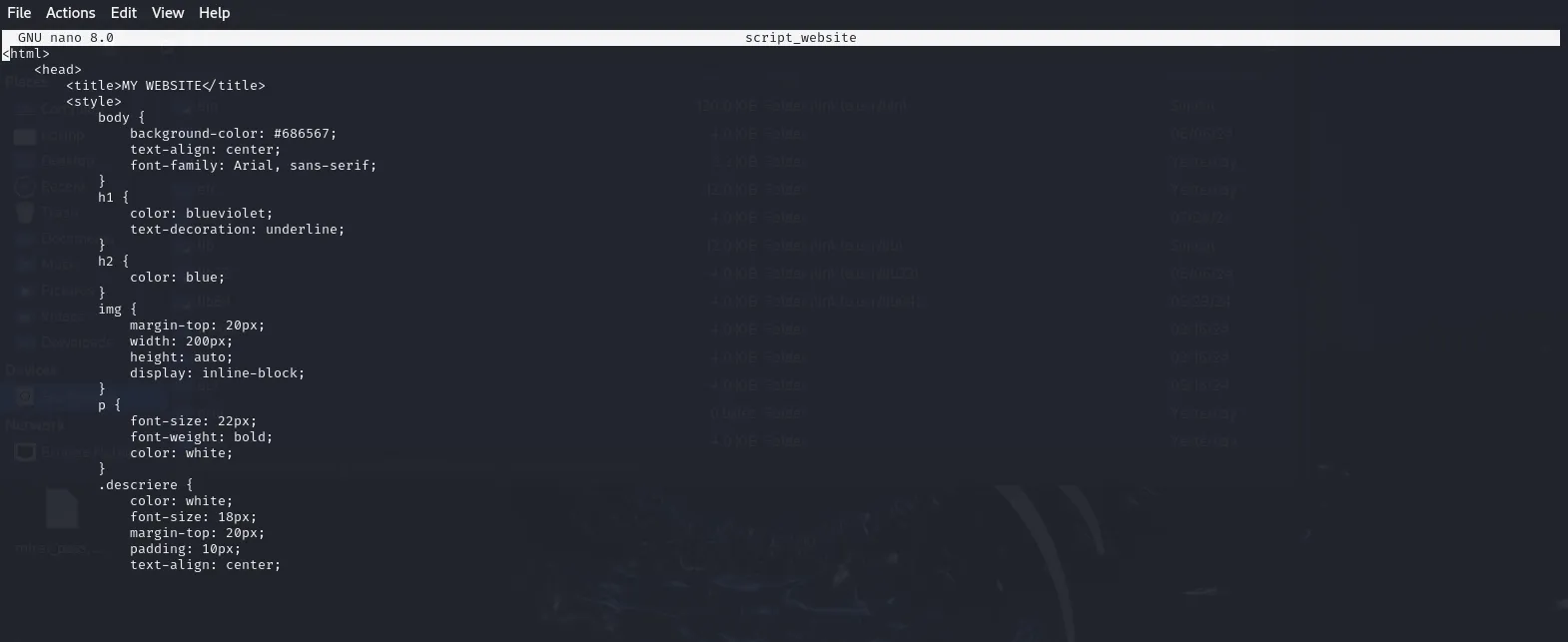
3. Add text to the script_website file in Kali-Linux, a section from the script used to create the website above
4. Create a new file script_website1 in Ubuntu
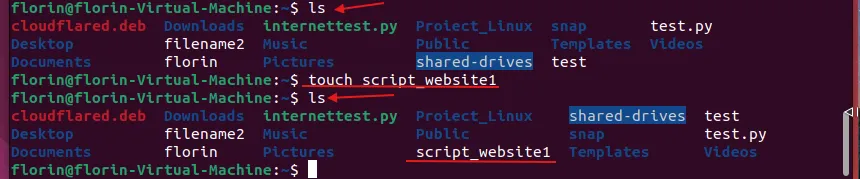
5. Check permissions for the newly created file

6. The newly created file is empty before copying text from the other file in Kali-Linux
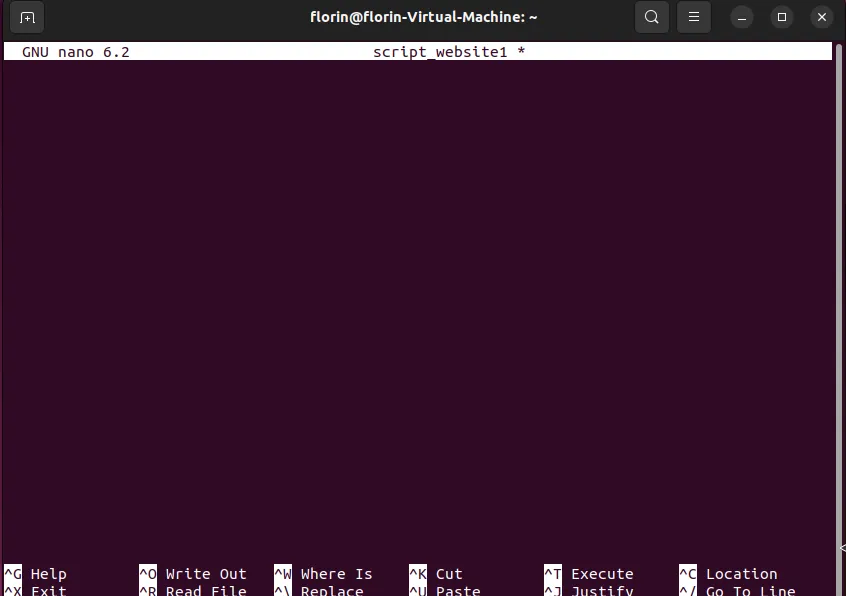
7. Copy command from script_website file in Kali-Linux to script_website1 in Ubuntu

8. Checking the content of the script_website1 file after copying the content; the transfer via the FTP server was successful.